 BarbellForm
Missed sessions and planning a day
Life gets in the way of a Monday, Wednesday, Friday schedule. The program waits for you, and you can tell it when you’ll be back.
-
Miss a day, and nothing is skipped
The rotation moves on when you train, not when the calendar does. Miss Wednesday’s Workout B and Today still shows Workout B on Thursday, at the same weights.
Your training days live in Settings under Training days, along with a reminder on the days a session is planned.
-
Plan the next session for a day
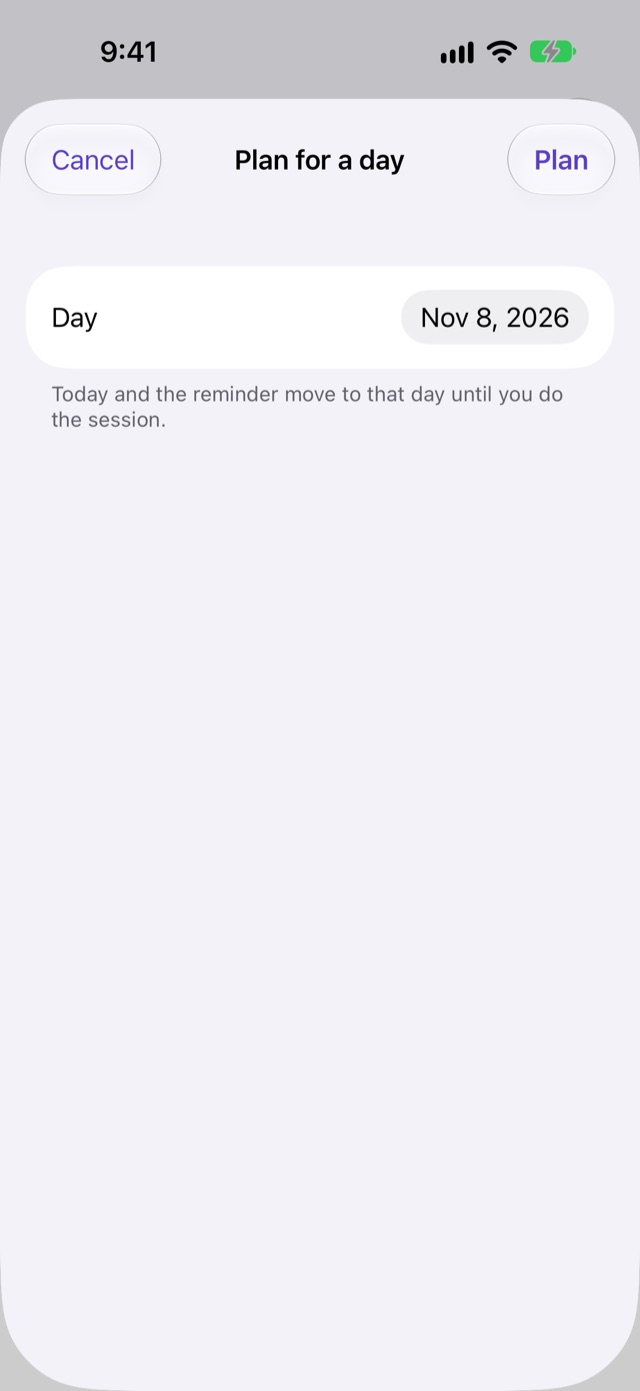
On Today, under the session’s date, tap Plan for a day. Pick the day and tap Plan.
Today and the reminder move to that day until you do the session. Today then says “You planned this for” that day, so you know it was your call and not the schedule’s.
-
Train on a different day anyway
You don’t have to plan first. Start the workout whenever you’re at the gym, and it counts. The plan is for the reminder and for Today; it never stops you training.
If two of your devices log the same session, say the watch while it couldn’t reach the phone, both stay in your history and the program uses the one you finished last.
Next: History and records