 BarbellForm
History and records
When you finish, the logger reads the workout back to you. Everything you’ve lifted stays in History, on your phone.
-
Finish the workout
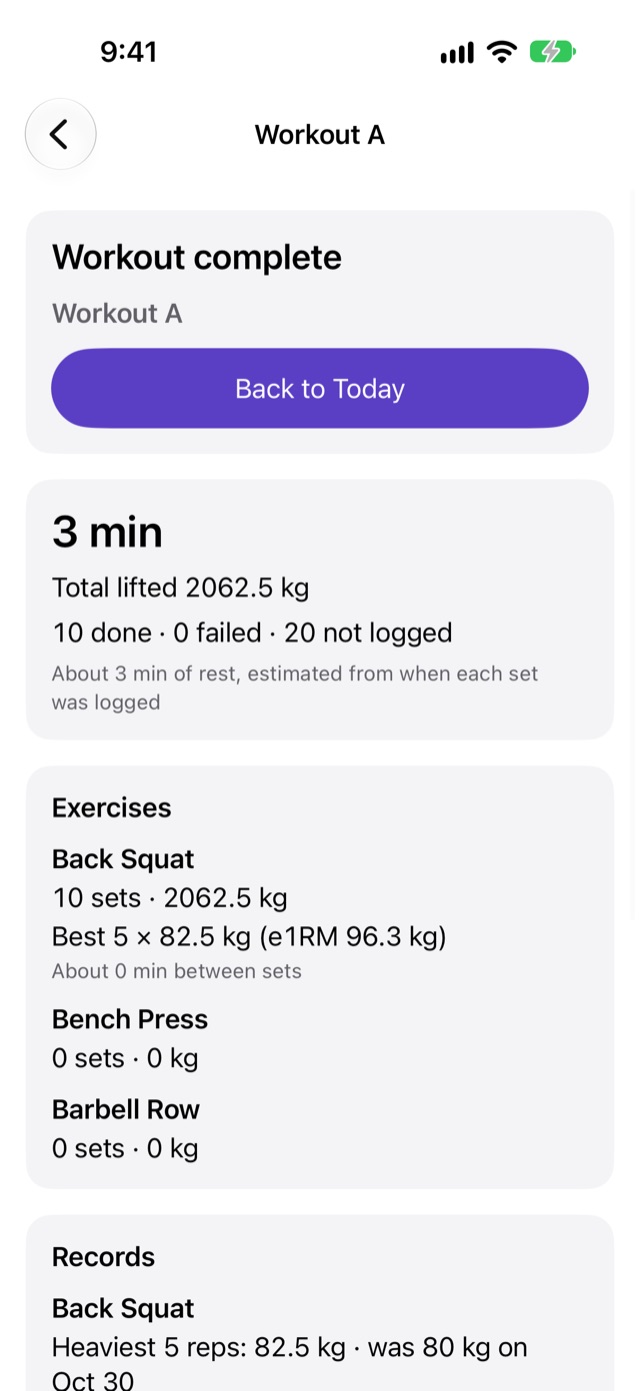
Tap Finish workout. The logger turns into the review: how long it took, the total you lifted, the sets you made and missed, and the rest between sets.
Rest isn’t timed while you train. It’s estimated from when you logged each set, and the review says so. Long breaks, like a phone call between lifts, are left out of the estimate.
Under each exercise you get its rest, its best set and its volume. Any record you set shows with the old best and when you set it.
-
Look back
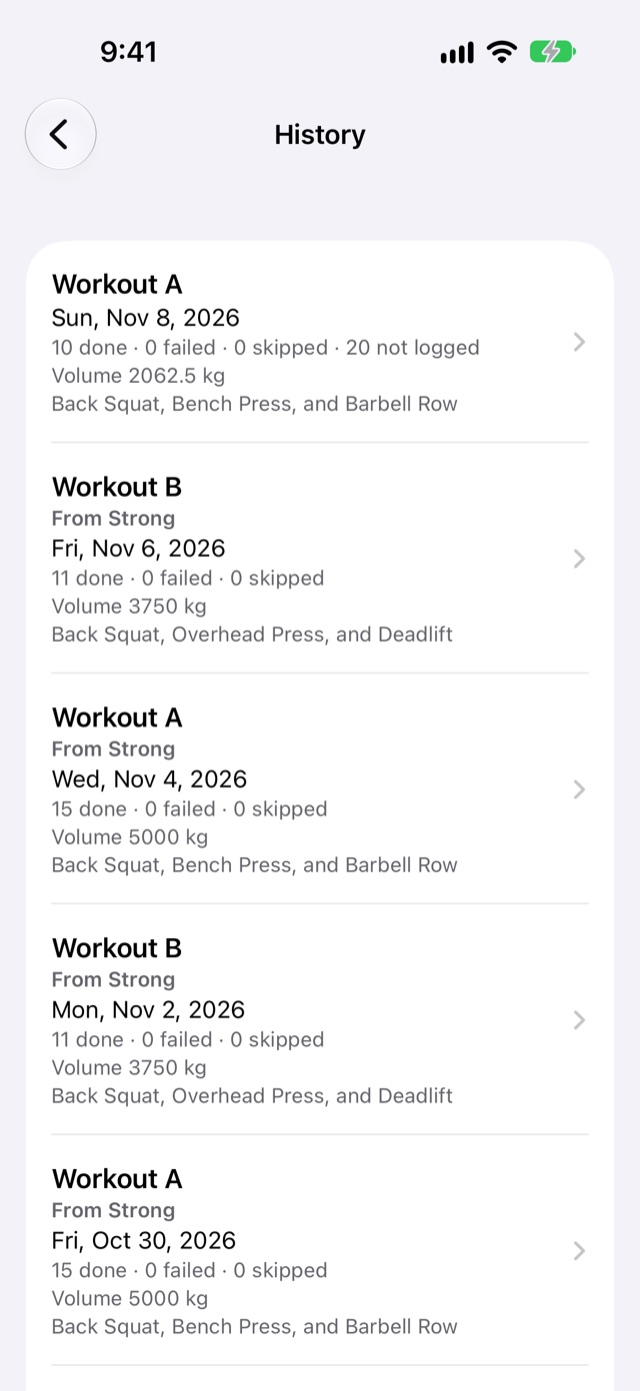
History on Today lists every session, newest first. Open one to see it the way you logged it, and fix a set if you need to.
-
An exercise’s records and trend
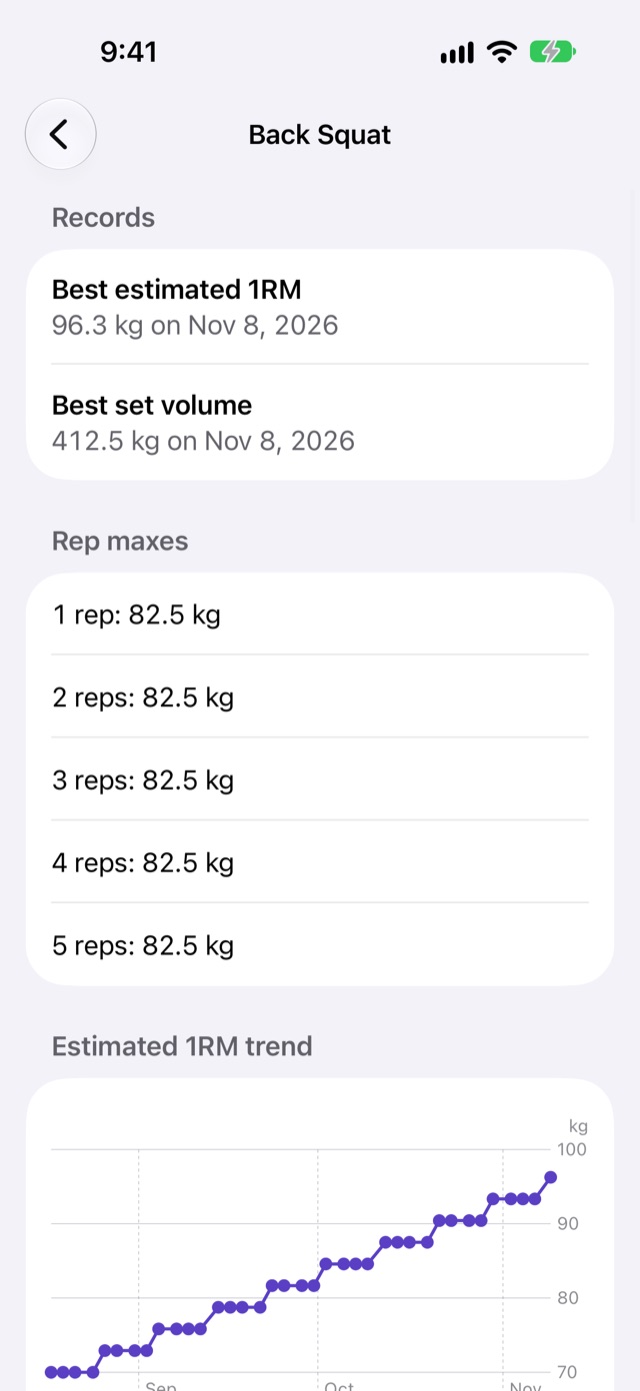
Open an exercise from a session, or from Exercises, to see its records, your best weight for each rep count, and a graph of your estimated one-rep max over time.
Coming from another app? Settings → Export and back up imports a Strong export, and exports your own sessions whenever you want them.
Back to all guides